 photo
photoA practical note from Photo Play Studio
Photo to dot to dot: connect the dots from your picture
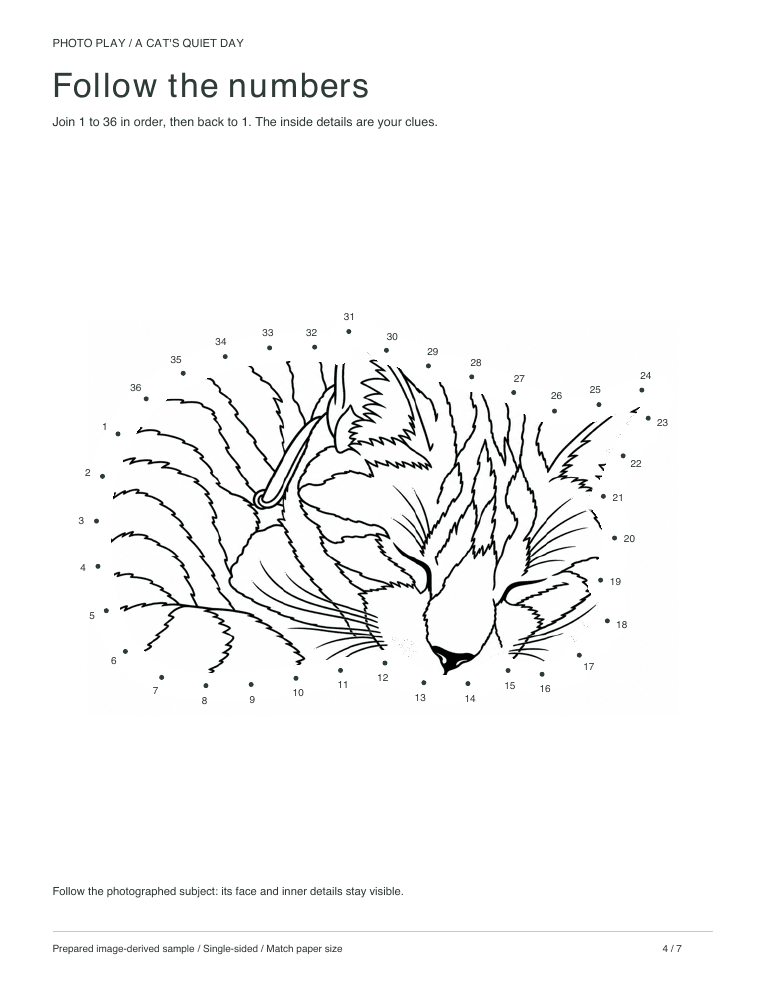
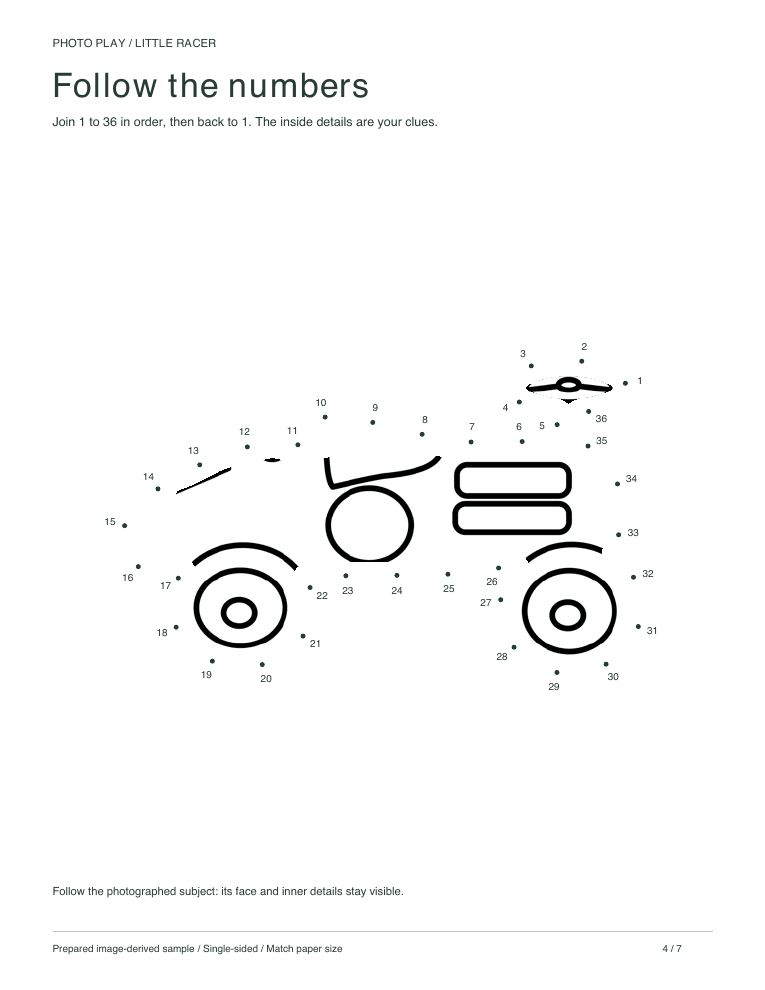
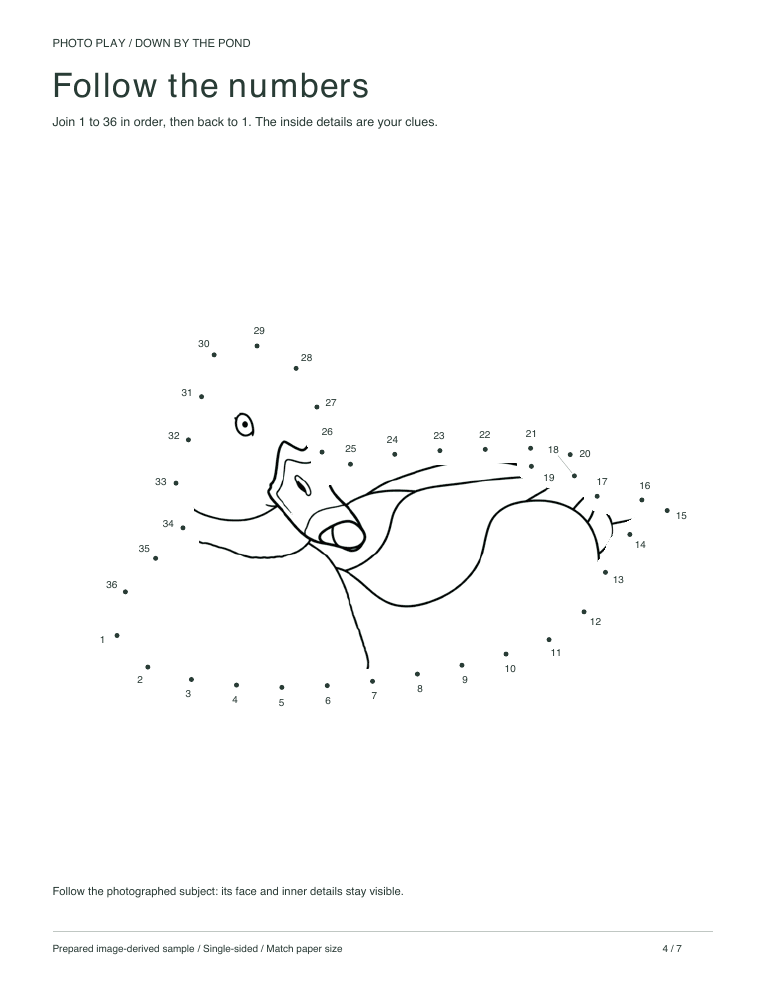
A dot to dot made from a photo puts numbered dots around the outline of something a child recognises, so the picture they reveal is their own dog, teddy or bike. See how it works with a free sample, then turn your own photo into a private pack.
How the dots are made
An image model first redraws the photo as simple line art. Code then follows the outer outline, places numbered dots along it and keeps a few inside details as clues, then prints the page as a Letter or A4 PDF. The finished outline is a drawing inspired by your photo, not an exact tracing.
Pick a photo with a clear outline
Subjects with a recognisable silhouette work best: a sitting cat, a toy car side-on, a duck, a rocket. Photograph the whole subject with space around it and avoid cropping off ears, tails or wheels. Several overlapping objects make one confusing outline, so choose a single subject.
Check the sequence before printing
Make sure the numbers are readable and the dots are not crowded together. The prepared samples have 36 or 40 dots, so they are not beginner 1–10 worksheets; offer help with larger numbers. If the line art is not suitable for dots, you may receive a clearly labelled photo-based pack, where this activity becomes tracing over the photo instead.
Start free
Print a dot to dot from the starter packs below without an account. To use your own picture, make a private pack: free tries are limited to 5 packs in any 24 hours, then one generation credit per pack, from US$0.99. Download the PDFs within 24 hours.
Free packs to try first
Questions parents ask
How many dots are on the page?
The prepared samples have 36 or 40 dots. Pages made from your own photo depend on the outline, so check the sequence before printing.
Can a toddler do it?
Most toddlers are not ready to follow numbers this high. Use the colouring page from the same pack, or join the dots together and talk about the picture as it appears.
Written from Photo Play’s prepared sample workflow. Published · Updated
Make one from your own photo
Turn a favourite photo into the same six activities.