 photo
photoA practical note from Photo Play Studio
Photo to pixel art: mosaic worksheets for kids
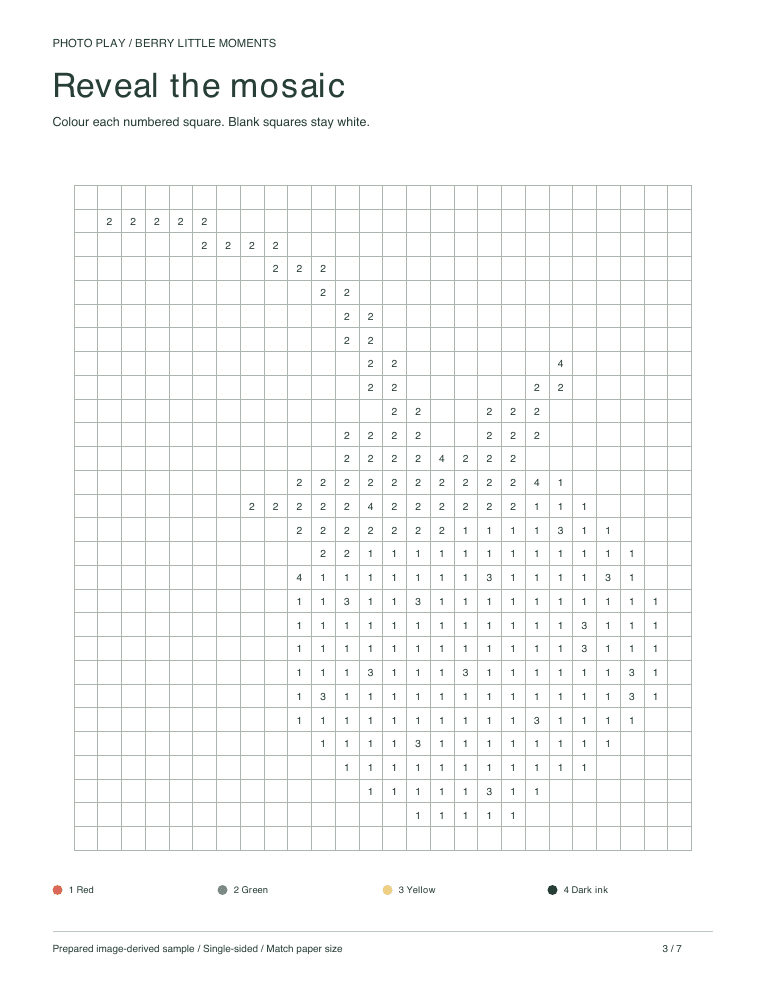
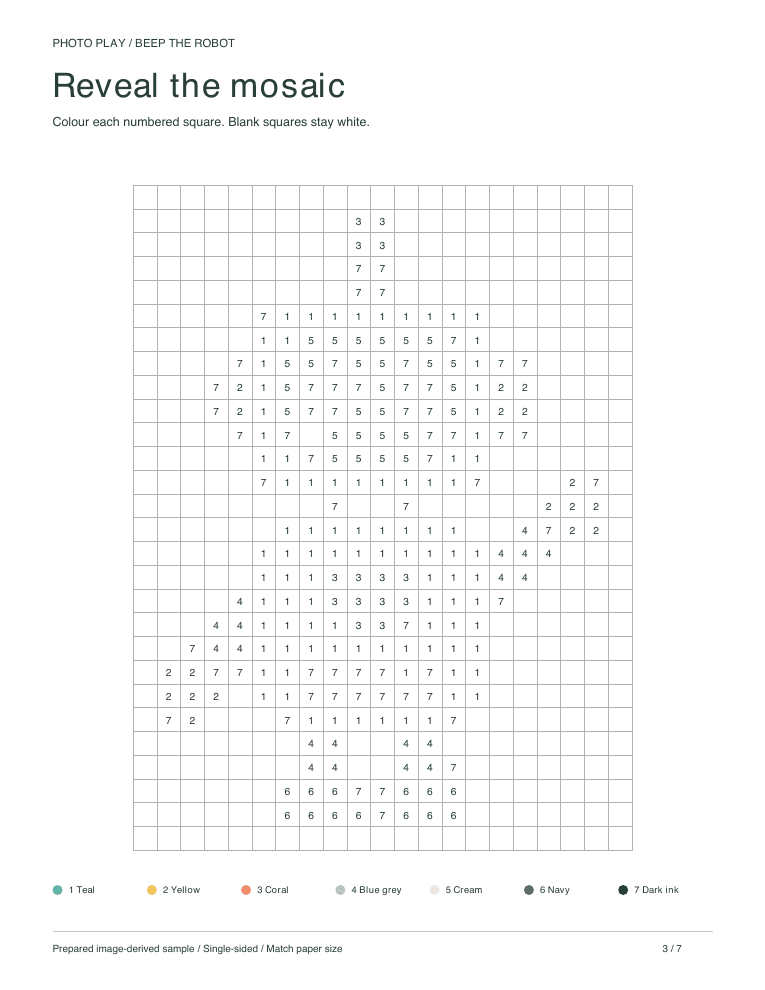
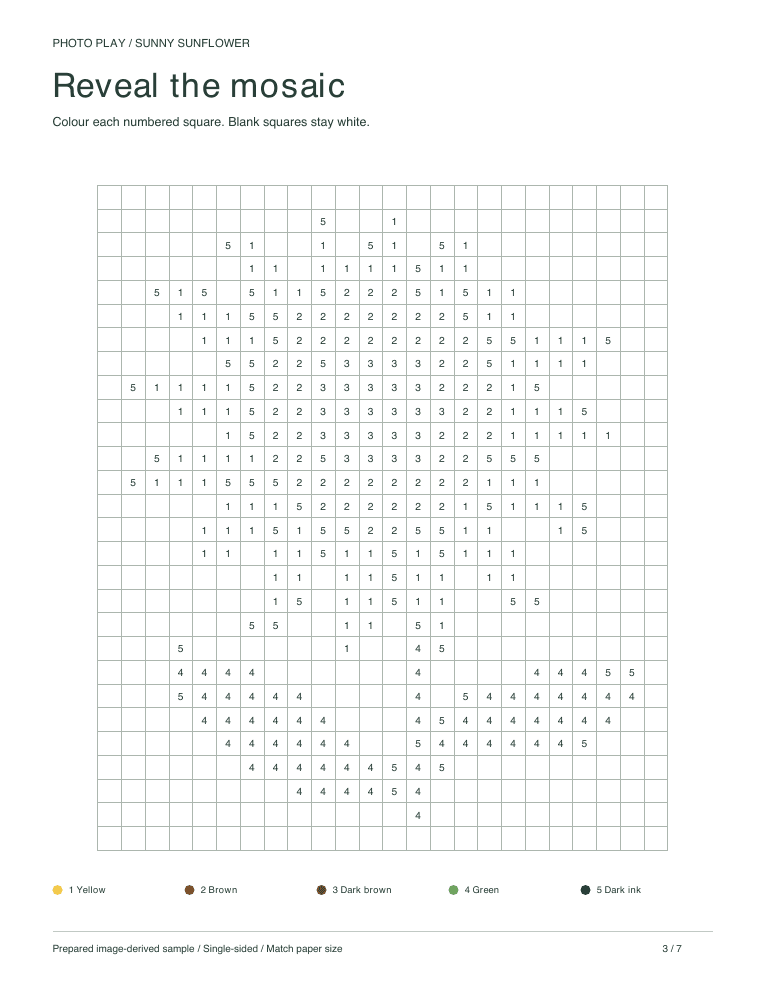
A mosaic worksheet turns a photo into a grid of numbered squares. Colour each square from the key and a pixel-style picture of the subject appears. Try a free sample to see the grid, then make one from your own photo.
From photo to numbered grid
The picture is simplified, then divided into a grid. Each square gets a number that matches a colour in the key, and blank squares stay white. The grid deliberately drops small details, so the result is a blocky picture of the subject rather than a portrait.
Photos that read well as pixels
Bold subjects with a few strong colours work best: a red strawberry, a yellow sunflower, a bright toy. Fill the frame with the subject and use a plain background so the shape still reads at low resolution. Faces and fine textures are the first details to disappear.
Good for patient counters
Mosaics take more time than a large-shape colouring page. Work one colour or one small section at a time, and step back now and then to see the picture appear. For a quicker activity, the same pack includes a colouring page and a color by number.
Print a sample or make your own
Download a mosaic page from the starter packs below without an account. To use your own photo, make a private pack: free tries are limited to 5 packs in any 24 hours, then one generation credit per pack, from US$0.99. The pack stays available for 24 hours.
Free packs to try first
Questions parents ask
Is this the same as pixel art?
It is a printable, colour-it-yourself version: a grid of numbered squares that turns into a pixel-style picture when coloured from the key.
What age is it for?
Children who can match numbers to a key and enjoy a longer task. Choose by patience and interest rather than age.
Written from Photo Play’s prepared sample workflow. Published · Updated
Make one from your own photo
Turn a favourite photo into the same six activities.